
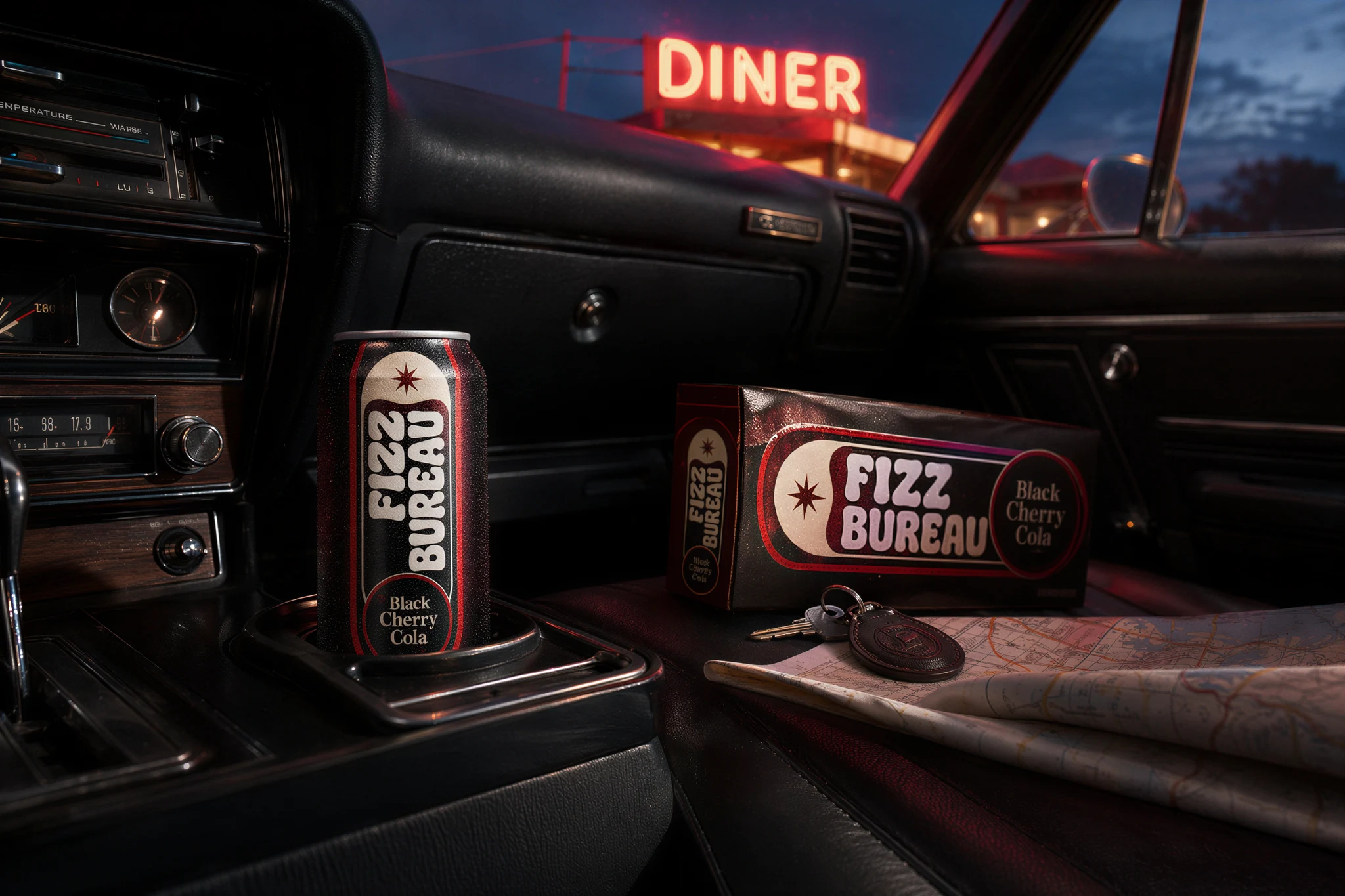
Make posts
in your chat.
Already in Claude or ChatGPT? Connect HeyKlick and just say “make me social posts from this product photo.” Attach a photo, get a finished, on-brand feed back — no switching apps.
Three steps. No code.
IT
WORKS
Connect once
Pick your app below and paste the HeyKlick link. Takes 30 seconds.
Drop a photo
In your chat, attach a product photo (or paste a link) and say what you want.
Get a feed
HeyKlick sends back a set of finished, on-brand posts — ready to download.
Pick your app
Tap your app for the exact steps. Most take under a minute — one paste and a tap of Allow.
I want to connect HeyKlick so I can make social media posts from a product photo right here in our chat. Please add it as a custom connector / MCP server using this link: https://heyklick.com/api/mcp If you need the full setup details or the list of available tools, read https://heyklick.com/llms.txt (and the setup guide at https://heyklick.com/connect). Then walk me through signing in, and once it's connected, ask me for a product photo to make my first posts.
- Open Claude → Settings → Connectors.
- Click Add custom connector.
- Paste the HeyKlick link below and confirm.
- A page opens — click Allow. Done.
https://heyklick.com/api/mcp“Make me 4 brand posts from this photo — colors cobalt blue and cream.”
…and HeyKlick does the rest. Want a tweak? Just say “make the background warmer” and it edits any post for you.
Start in one klick.
You'll need a free HeyKlick account — it comes with starter credits to try it. 10 credits = 1 post.