AI Product Photography for Shopify: The 2026 Guide
How AI product photography works, what it costs, and how Shopify merchants turn plain supplier photos into studio shots and model campaigns that sell.
Great product photos are the difference between a store that looks like a real brand and one that looks like a drop-ship spreadsheet. The problem has always been cost: a studio shoot with a photographer, a model, and a set runs into the hundreds or thousands of dollars per product. AI product photography removes that barrier. This guide explains what it is, how it works on Shopify, and how to get results that actually convert.
What is AI product photography?
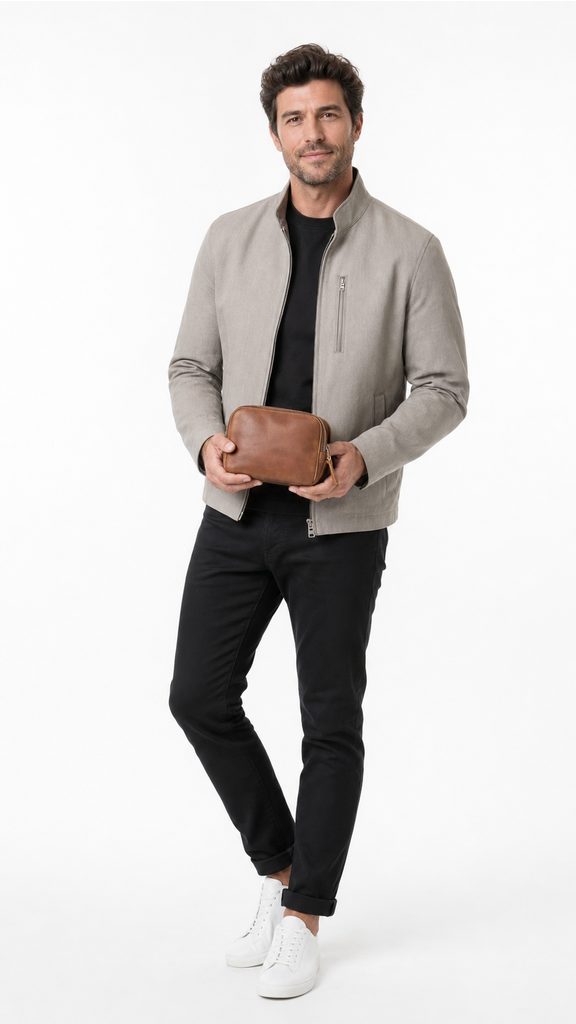
AI product photography uses generative image models to create finished product photos from a single input image. You start with a plain photo, the kind a supplier sends you or that you shoot on your phone, and the AI produces studio-grade shots: clean backgrounds, controlled lighting, lifestyle scenes, or the product worn or held by an AI model.
The output is a real, sellable product image. It is not a filter or a background blur. It is a new photo of your product in a setting you never had to build.
Why it matters for Shopify stores
On Shopify, your product image is the first thing a shopper judges. Listings with premium photography earn more clicks from collection pages, hold attention longer, and convert better, especially for apparel, cosmetics, eyewear, and other look-driven categories.
For dropshippers and growing stores, AI photography solves three problems at once:
- Cost. No studio rental, no photographer day rate, no model booking.
- Speed. A new shot in about 30 seconds instead of a multi-week shoot.
- Consistency. A cohesive look across your whole catalog, not a patchwork of supplier images.
How AI product photography works, step by step
- Start with the photo you have. Pick a product from your store or upload a plain supplier image.
- Choose a look. Clean studio, lifestyle scene, or on an AI model. The tool sets the lighting, scene, and camera angle for you.
- Generate variations. Produce several options in seconds and keep the ones that fit your brand.
- Publish. Push the finished images straight to your Shopify product, one at a time or in bulk.
With Klick, this entire flow happens inside your Shopify admin, so there is no exporting, re-uploading, or switching between tools.
What does AI product photography cost?
Pricing is usually credit-based, where one credit generates one image. Klick is free to start, with paid plans from $9 per month billed on your Shopify invoice, and one-time top-up packs from $5. Compared to a traditional shoot, the per-image cost is a tiny fraction, which is why it has become the default for stores that need premium photos at catalog scale.
Is AI product photography good enough to sell with?
Yes. Modern image models produce photos that are indistinguishable from a studio shoot for the vast majority of products. The key is direction: choosing the right look for your category and generating a few variations so you can pick the strongest frame. You own every image you generate and can use it across your store, ads, and social.
Getting started
If you sell on Shopify, the fastest way to see the difference is to run one of your weakest product photos through the tool and compare. Add Klick to Shopify and turn a plain supplier photo into a brand-grade set in about 30 seconds.