
A Faster Product Photo Workflow for Shopify Beauty Launches
How small beauty brands can launch new Shopify products faster with polished studio, lifestyle, and campaign-ready images without waiting on a full photoshoot.
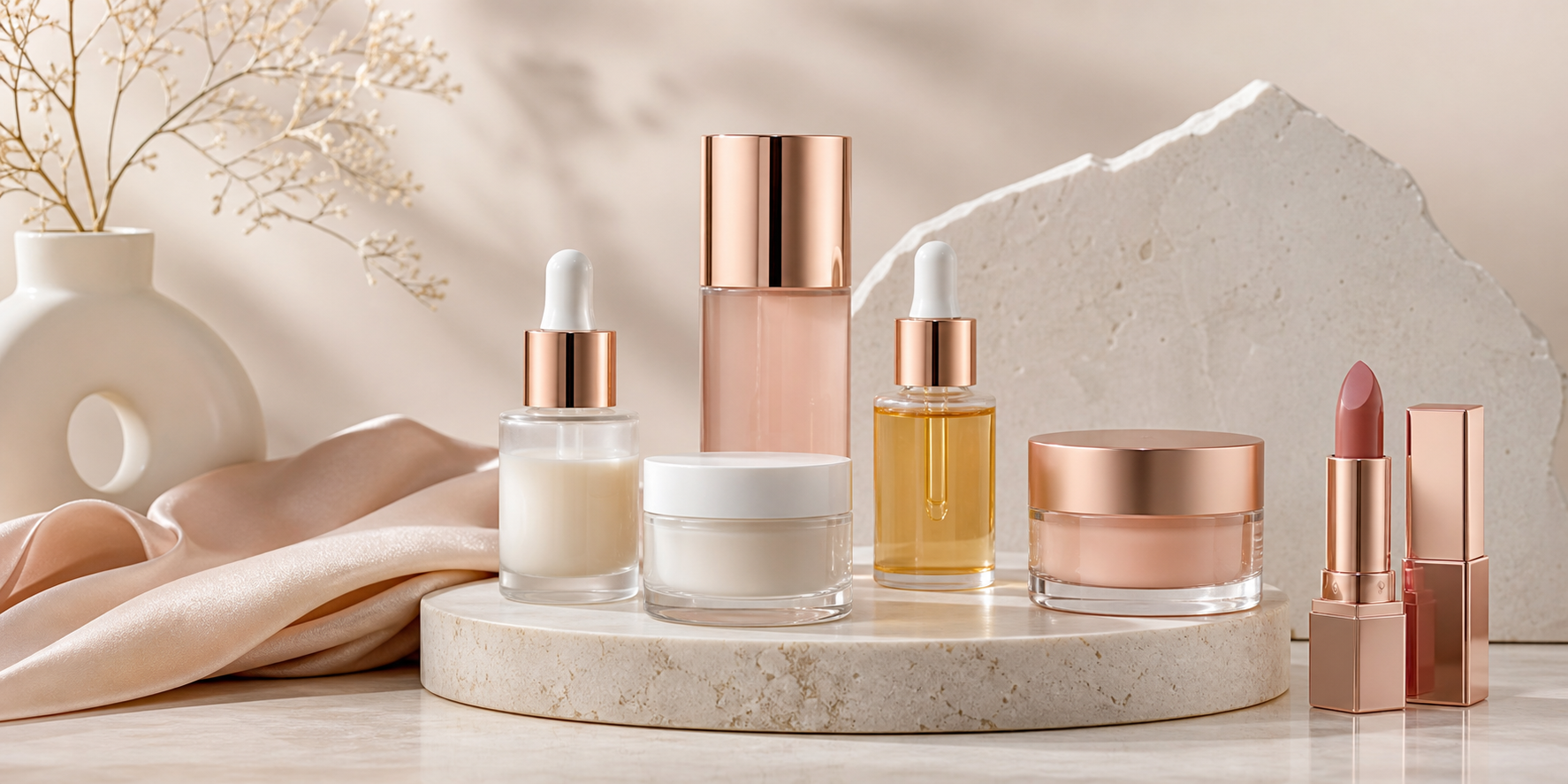
Beauty launches are often bottlenecked by photography, not formulation. A Shopify beauty brand can have the new serum, lip shade, or gift set ready to sell, then lose days or weeks waiting for studio shots, retouching, and updated gallery images. That delay matters when you are trying to launch a seasonal drop, test a shade expansion, or restock a winner before momentum disappears.
The practical fix is a faster image workflow. Instead of treating every launch like a full production, use the product photos you already have as the starting point and turn them into polished studio, lifestyle, and ad-ready visuals that can go straight onto Shopify.
Why beauty launches get stuck on images
Beauty products are visual in a very specific way. Shoppers expect the page to feel premium. They look for clean lighting, believable texture, flattering color, and a consistent brand world across every SKU.
That creates pressure on small teams:
- New variants need fresh images, even when the packaging barely changed.
- Supplier or phone photos rarely look polished enough to launch with.
- A traditional shoot takes coordination, budget, and editing time.
- Delays on one image can hold back the whole product page, collection banner, or ad set.
If the launch assets are late, the whole release slows down.
What a faster workflow actually looks like
For most Shopify beauty brands, the goal is not to replace every high-concept campaign forever. The goal is to stop basic launch photography from becoming a blocker.
A fast workflow usually looks like this:
- Start with the clearest product photo you have, even if it is a plain supplier or phone image.
- Generate a clean studio hero image for the product page.
- Create one or two lifestyle variations that match the product mood.
- Add campaign-style options for paid social or collection tiles.
- Publish the best images straight to Shopify while the launch is still hot.
That gives the listing enough visual depth to sell without waiting for a full production cycle.
The image set beauty products usually need
Beauty shoppers do not need twenty images. They need the right few images.
1. A polished main image
This is the conversion workhorse. It should feel crisp, premium, and easy to scan in collection pages. Clean lighting and consistent framing matter more than visual tricks.
2. A texture or ingredient-world image
A serum, cream, or gloss sells better when the shopper can imagine the texture and finish. A lifestyle scene or close-up supporting visual helps the page feel more branded and less generic.
3. A campaign-style variation
This is useful for homepage slots, launch emails, paid social, and retargeting creative. The point is not just to fill the product page. It is to give the launch assets you can reuse across channels.
Where Klick fits in
Klick is the Shopify AI photographer built for this exact gap between plain source photos and launch-ready visuals. You can start from a supplier photo, a phone photo, or a weak existing product image, then turn it into studio-quality product photos, lifestyle shots, ad creatives, and AI model photos published straight to Shopify.
That matters for beauty brands because the catalog keeps moving. New shades, bundles, limited editions, and seasonal sets all need fresh presentation, but most teams do not have the time or budget to organize a new shoot every time the assortment changes.
With Klick, the workflow stays operational instead of theatrical. You generate the assets you need, choose the strongest variations, and ship the launch.
Why this is better than waiting for a traditional shoot
Traditional shoots still have a place, especially for flagship campaigns. The problem is that many beauty launches do not need that level of production to go live. They need speed, consistency, and enough visual quality to look like a real brand from day one.
Using Klick gives a beauty merchant a few concrete advantages:
- Faster launch timing. You can get product-page visuals ready the same day instead of planning around studio availability.
- Lower creative cost. You do not have to spend production budget every time a new SKU or bundle appears.
- More variation per product. It becomes realistic to test multiple looks for the PDP, ads, and email.
- Cleaner catalog consistency. Products can share a stronger visual system instead of feeling like they were photographed months apart by different people.
For a beauty store, consistency does more than look nice. It makes the catalog feel trustworthy and intentionally branded.
A practical example
Say you are launching three new lip shades on Shopify. The packaging is nearly identical, but each shade needs a polished main image, a campaign-friendly visual, and a few supporting assets for the launch email and paid social.
If you wait for a traditional shoot, the launch may slip behind the product readiness. If you start from plain product photos, Klick can turn those into premium studio and campaign visuals quickly enough to keep the release on schedule.
That means the work moves in the right order:
- Finalize the product listing.
- Generate the hero and supporting images.
- Push them into Shopify.
- Reuse the same visual direction for ads and email.
Instead of photography controlling the launch, photography supports the launch.
Who should use this approach first
This workflow is especially useful for:
- Indie skincare brands launching new serums or moisturizers
- Makeup stores expanding shades or seasonal sets
- Beauty founders testing bundles before investing in a full campaign
- Agencies managing fast-moving Shopify beauty catalogs
- Merchants upgrading weak supplier or phone photos before a release
The common thread is simple: you need the store to look premium without turning every launch into a production project.
Start with the next product that is already waiting
The easiest place to prove the value is the next beauty product that is ready to sell but still waiting on better images. Run the plain source photo through Klick, generate a polished hero image and a couple of supporting variations, and publish them straight to Shopify.
That is how small teams launch faster without lowering the visual bar. Try Klick and turn the photos you already have into beauty product images that look ready for the shelf, the feed, and the product page.